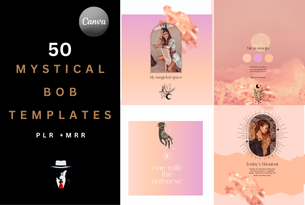
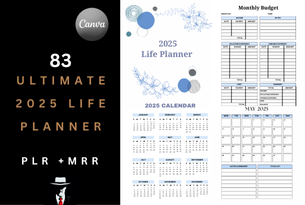
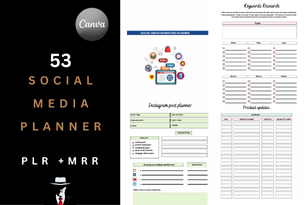
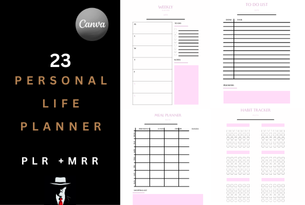
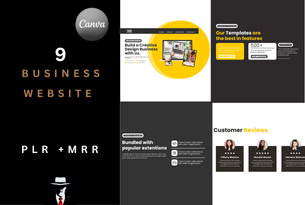
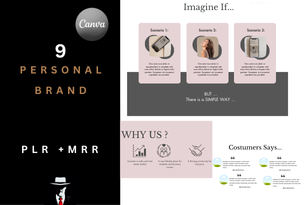
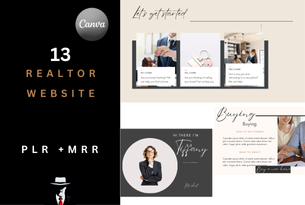
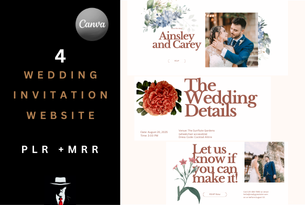
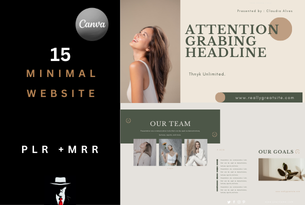
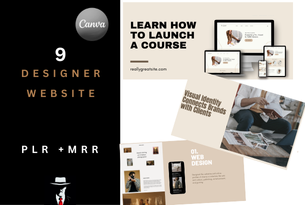
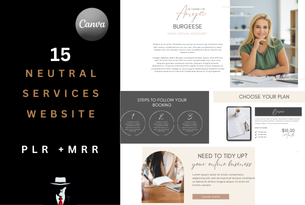
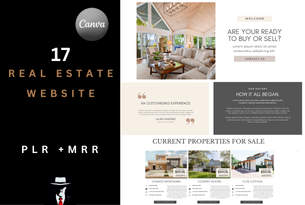
Congratulations! You've Just Gained Access to a Massive Vault of High-Demand Digital Assets...

Your first step to creating your own content AND starting your own business.

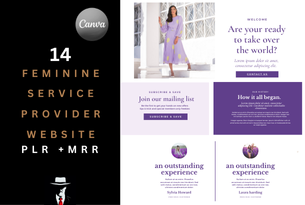
In this kit, you’ve unlocked an exclusive treasure trove of premium digital products, stunning templates, and powerful tools—all ready for you to use and resell.

With full Private Label Rights (PLR) and Master Resell Rights (MRR), you’re not just getting access for personal use—you now have the freedom to rebrand, customize, and resell these assets as your own, keeping 100% of the profits.

Inside your vault, you’ll discover:

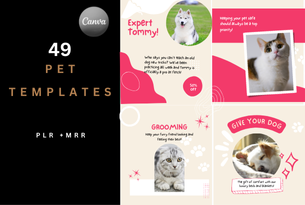
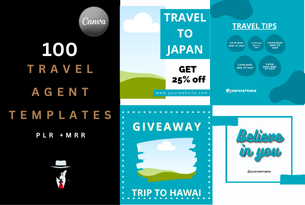
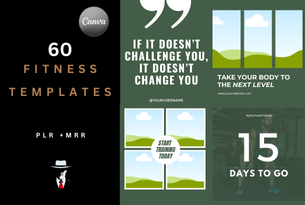
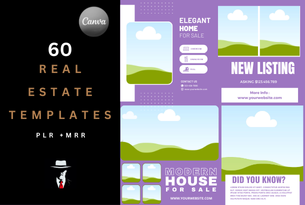
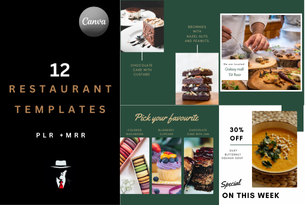
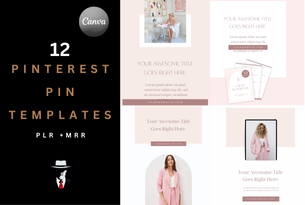
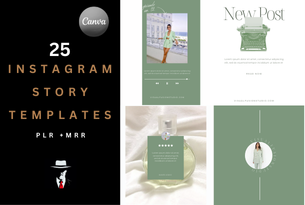
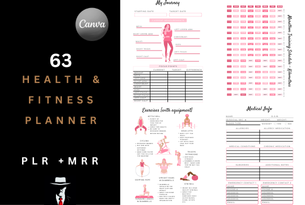
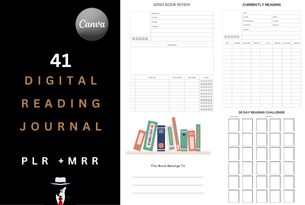
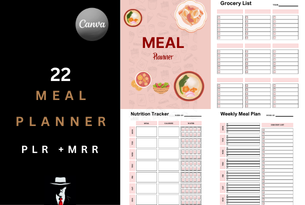
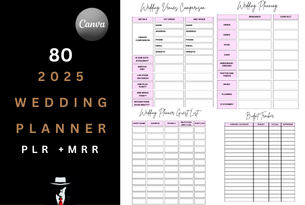
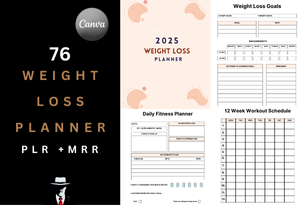
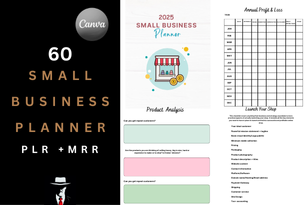
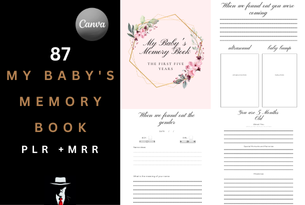
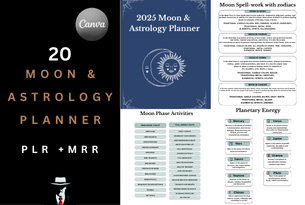
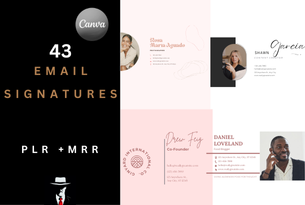
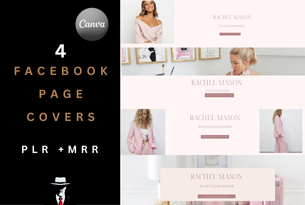
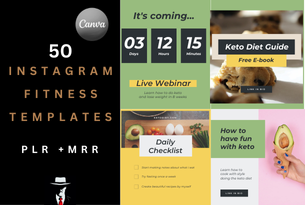
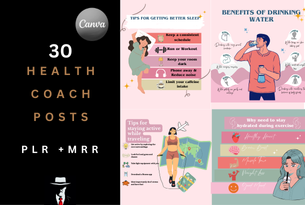
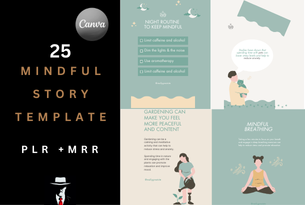
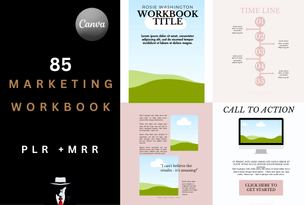
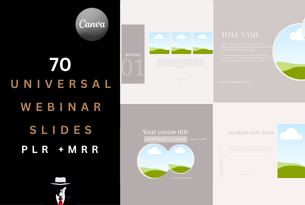
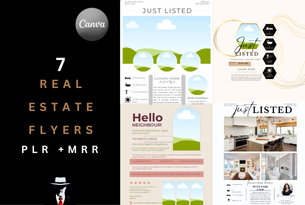
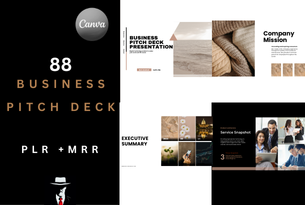
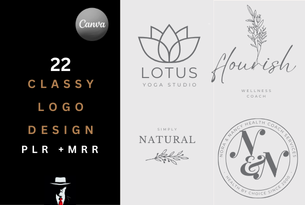
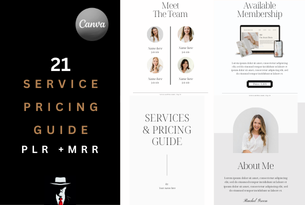
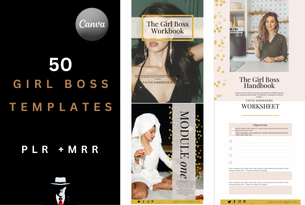
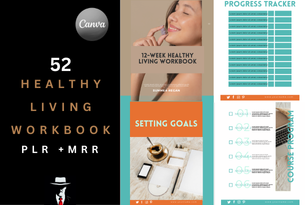
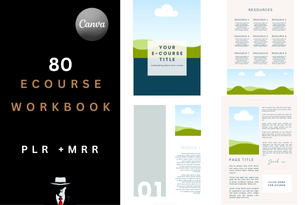
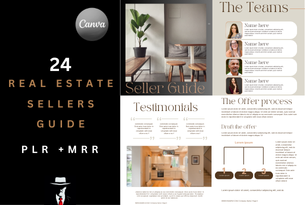
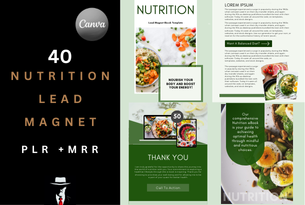
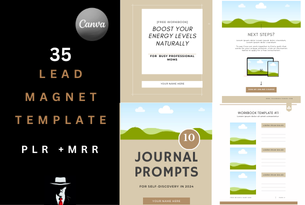
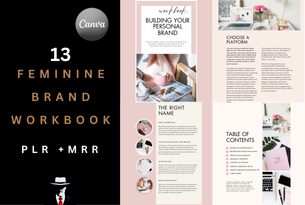
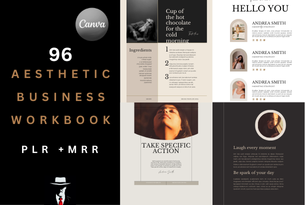
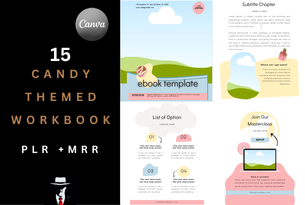
  • 79 complete product bundles

  • A total of 3,786 editable, high-quality templates

  • Tools to launch, promote, sell, and scale your digital business faster than ever

Whether you’re building your brand, creating content, or starting a new revenue stream, this vault equips you with everything you need to succeed online.

Before You Dive In...

All templates included have been carefully crafted using Canva, so you’ll need to create a free Canva account to customize and share them with your own customers.

Need a hand editing your templates? Check out the Quick-Start Guide below, or explore Canva’s library of helpful tutorials

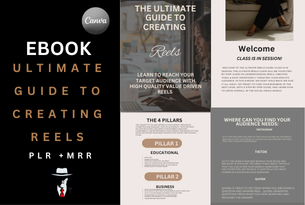
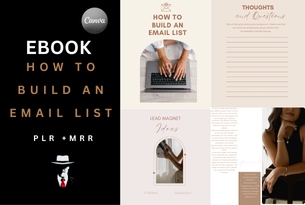
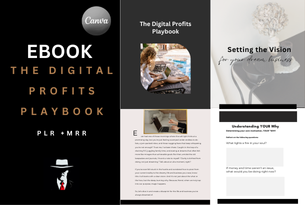
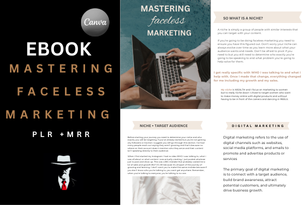
1. Top-Selling eBooks Collection

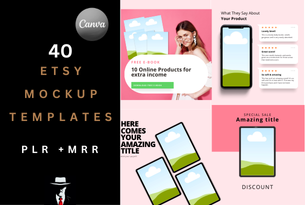
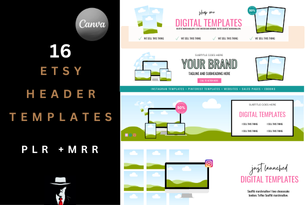
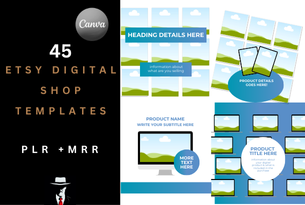
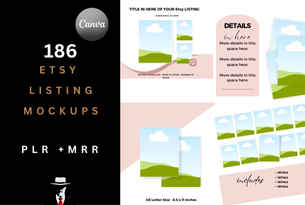
2. Etsy Resources & Editable Templates

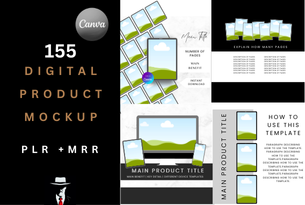
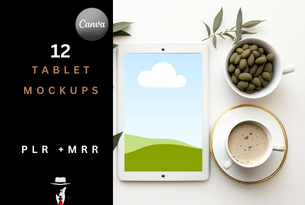
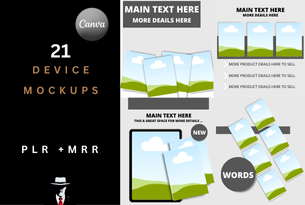
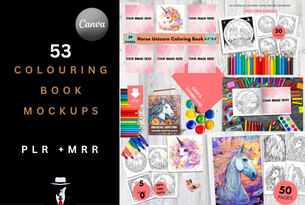
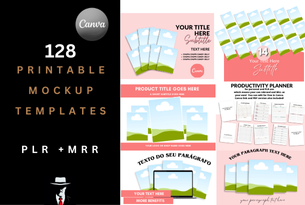
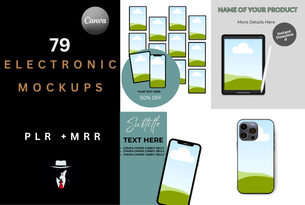
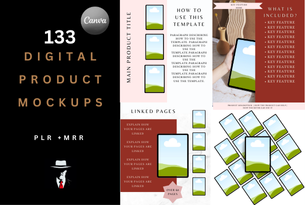
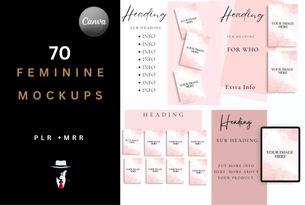
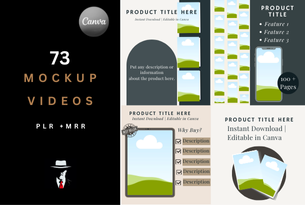
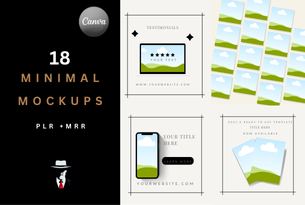
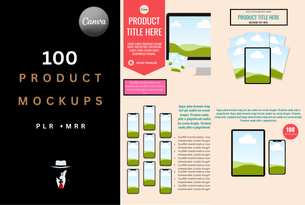
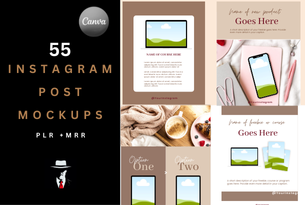
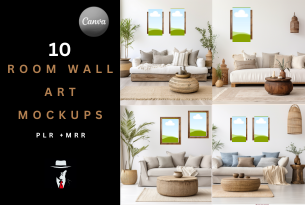
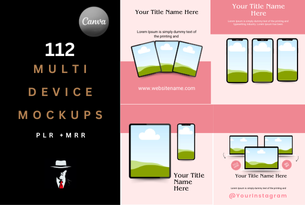
3. Mockups for Digital Products

4. Social Media Graphics & Kits

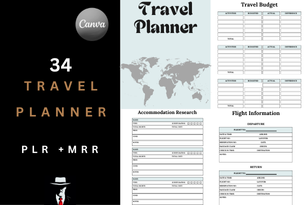
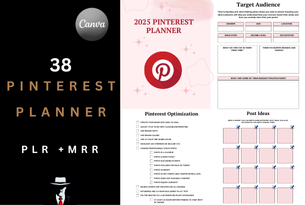
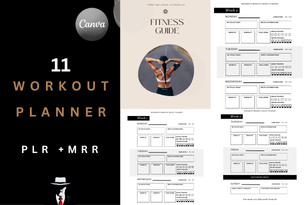
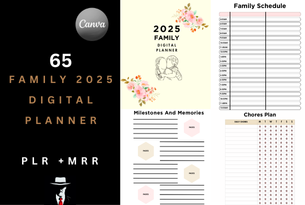
5. Printable Planners & Organizers

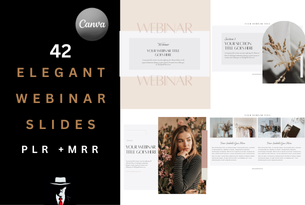
6. Marketing & Promo Templates

7. Course Workbooks & Guides

8. High-Converting Sales Page Layouts

How to Share These Templates with Your Customers.

Important: Do not share the original template links from these templates with your customers. These links are exclusive to your access and for you to use. To share with others, you’ll first need to generate your own links by following the steps below.

 

Step 1:

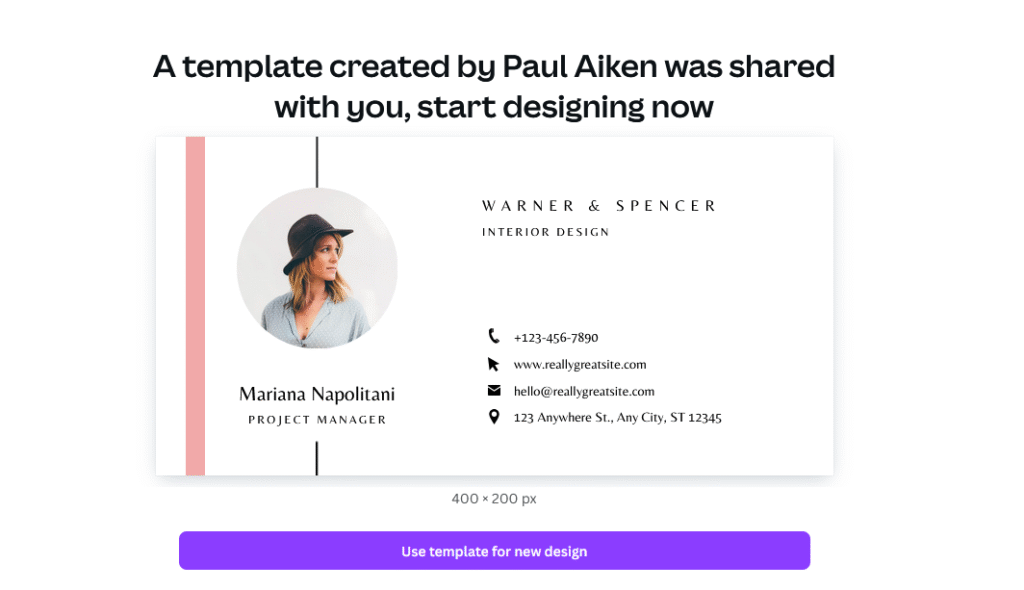
Open the template you want to use by clicking the link. It will open in Canva. From there you can  click on “Use template for new design”to add it to your personal Canva account.
Share template

Step 2:

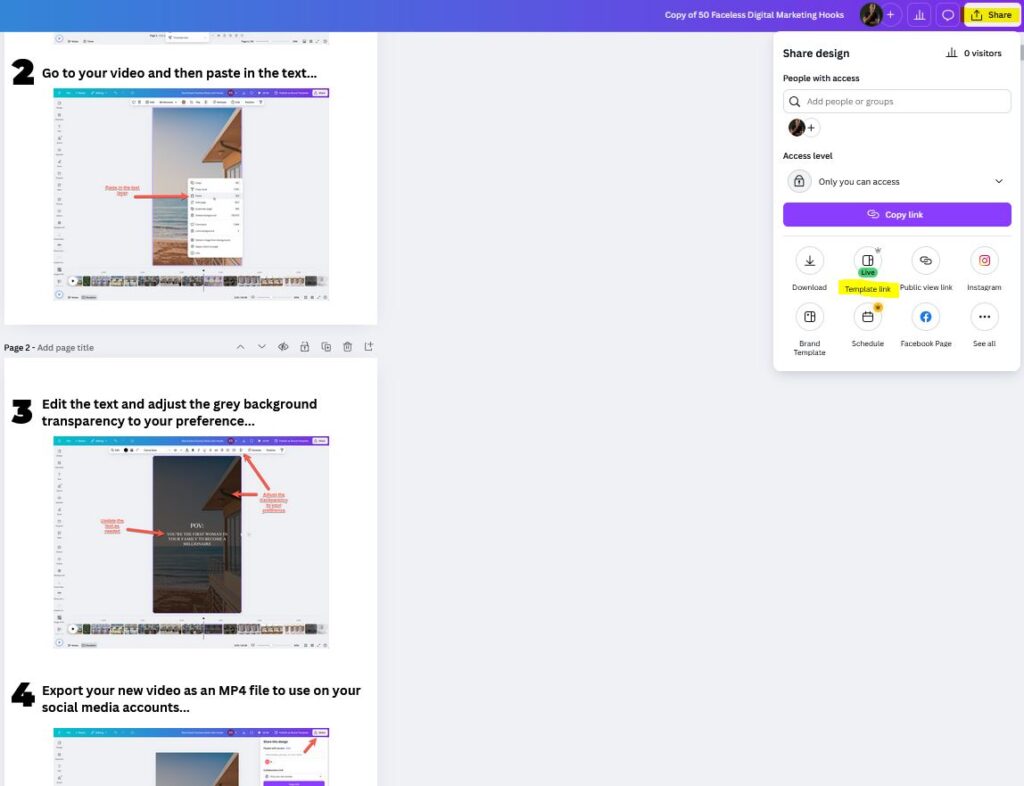
Click the “Share” button located in the top-right corner of the screen (highlighted in yellow in the image below), then select “Template Link” (highlighted in yellow) to generate a shareable link.

Step 3:

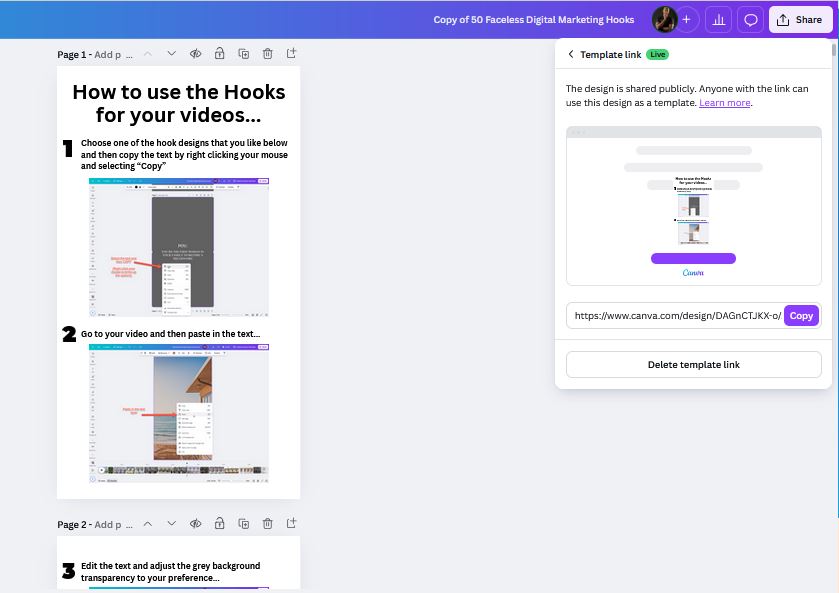
This will generate a unique shareable link for your template. Share this link with your customers so they can easily add the template to their own account.

You only need to do this once per template set. After the link is created, you can reuse it and share it with all your customers.

0